
Video editing basics: trim, combine, captions and music
The everyday edits most videos need: trimming, joining clips so they flow, captions people can read with the sound off, music that sits under speech, and slow motion that stays smooth. Each guide shows the quick way in your phone or computer's built-in tools and the way that scales to long recordings.
Guides
- Make a video with music, cut to the beatHow to make a video with music that feels produced: choose a track by tempo, cut on the beat, land the drop on your best moment, and stay licensed. Two examples.
- How to add music to a video (and make it fit)How to add music to a video: where to get music you're allowed to use, setting the volume under speech, fading, cutting to the beat, and platform rules.
- How to combine videos into one that flowsHow to combine videos on iPhone, Android, Windows and Mac, plus how to turn many clips into one video that flows, with music, cuts on the beat and titles.
- How to make a slow motion video that looks smoothHow to make slow motion video: film at 60, 120 or 240 fps, slow down normal footage without stutter, use speed ramps, and pick the moments that deserve it.
- How to trim a video: quick trims and long recordingsHow to trim a video on iPhone, Android, Windows and Mac, and how to trim a long recording down to its best parts by describing what to keep.
- How to add captions to a video (auto captions done right)How to add captions to a video: open vs burned-in captions, SRT files, auto captions, readable styling, placement for YouTube, Reels and TikTok, and fixing errors.
- Video editors for Mac and Windows: free, pro and browserThe best video editor for Mac or Windows depends on your machine and your time: free built-ins, pro editors, and browser editors that render in the cloud.
Demo videos
 Making a youth soccer season highlight video in Novacut
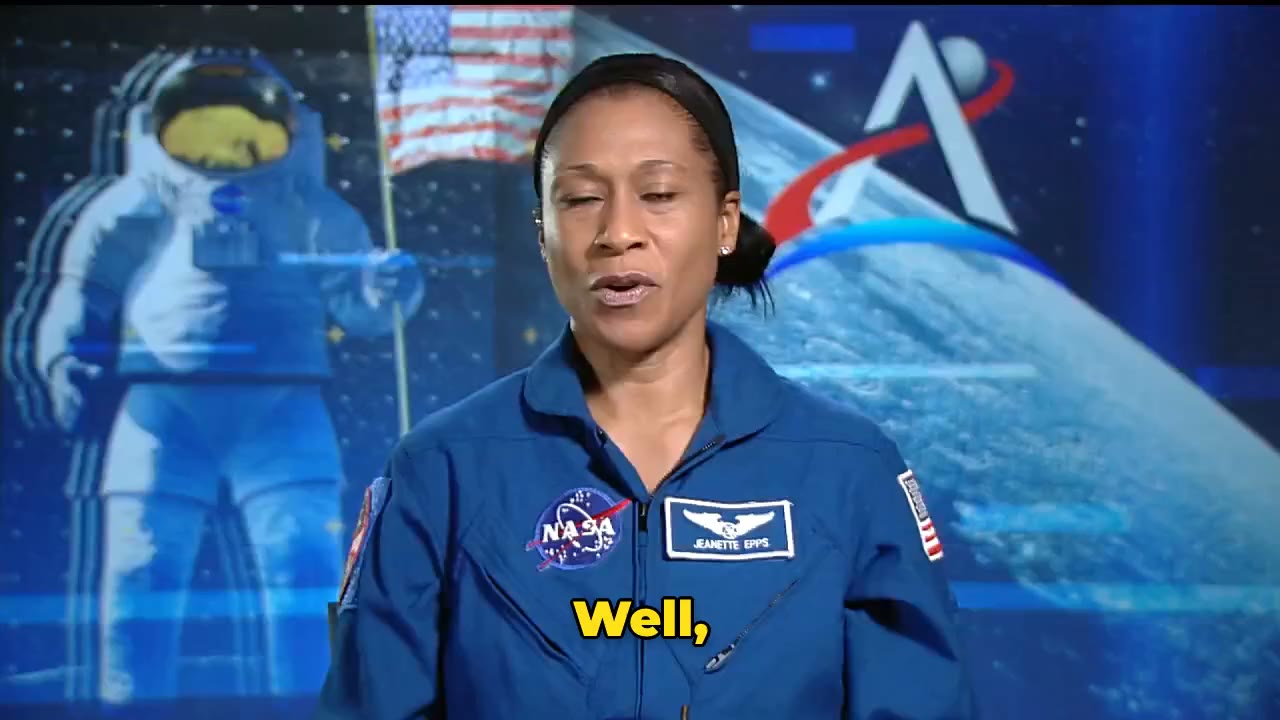 Turning a 19-minute interview into a YouTube video in Novacut
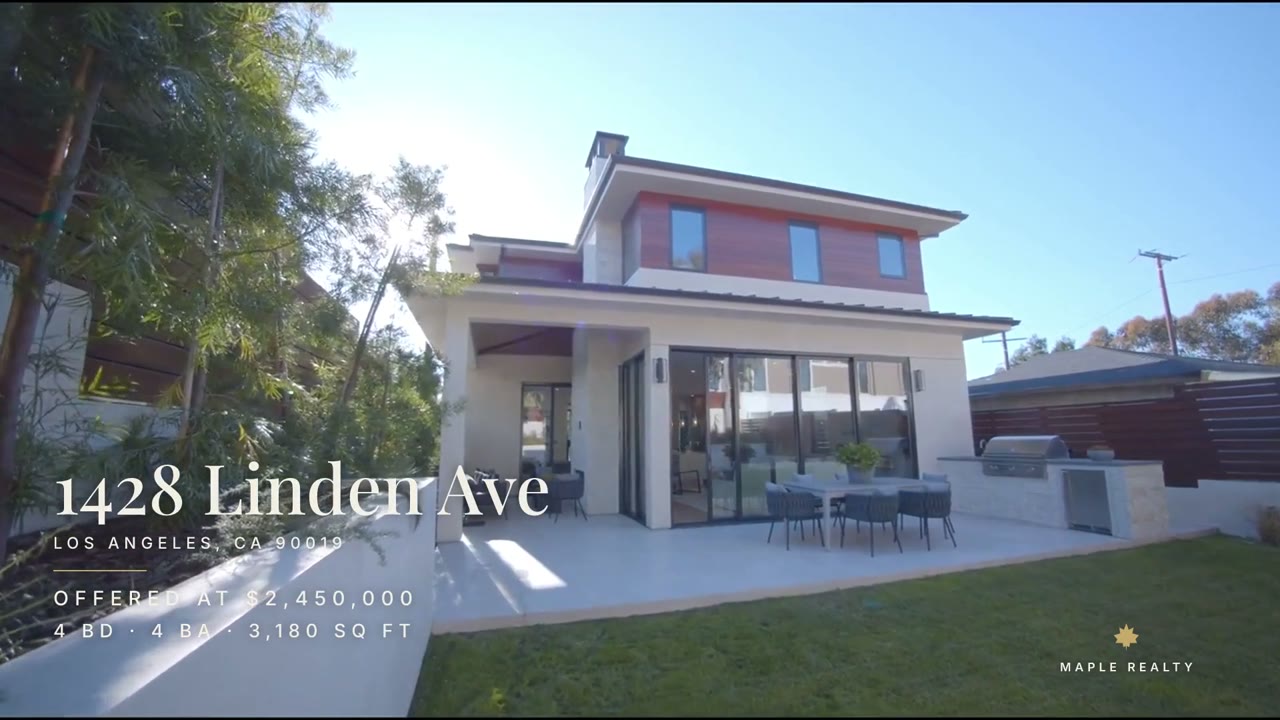 Making a listing video from the MLS description in Novacut