
Travel video editing guides: trips, GoPro and drone footage
Trips come back as hundreds of clips and no story. These guides cover putting a trip in an order that holds attention, cutting hours of GoPro POV footage down to the moments worth keeping, and editing drone footage into something cinematic rather than a slideshow of aerials.
Guides
- Drone video editing: software and a workflow for DJI footageDrone video editing software compared (LightCut, CapCut, Resolve, Premiere, AI editors), plus how to pick the best passes, color D-Log, cut to music and go vertical.
- How to make a travel video from your trip's clipsHow to make a travel video people watch to the end: gather the clips, tell the trip in order, cut to music, add location captions, and post a vertical cut.
- GoPro video editing: from hours of footage to a highlightHow to edit GoPro footage: the GoPro Quik app vs desktop editors vs AI, finding the best moments in hours of POV, cutting to music, slow motion and a vertical cut.
Demo videos
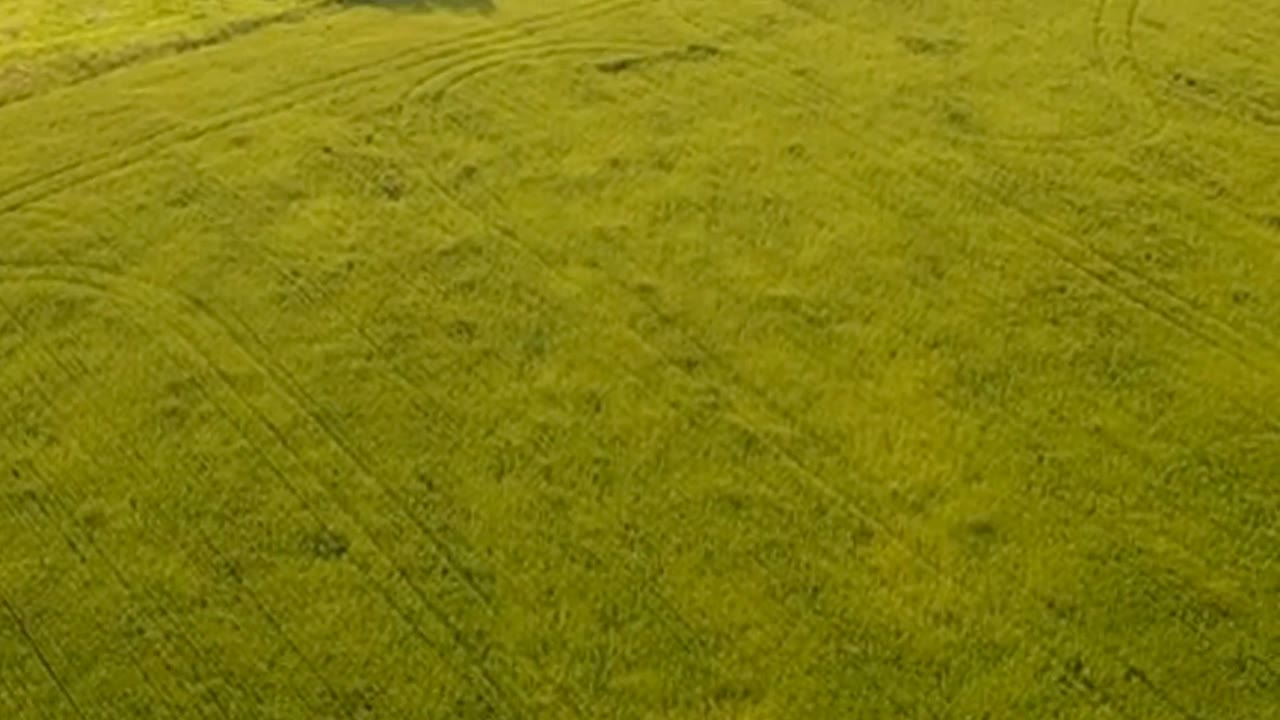 Making a cinematic drone video in Novacut
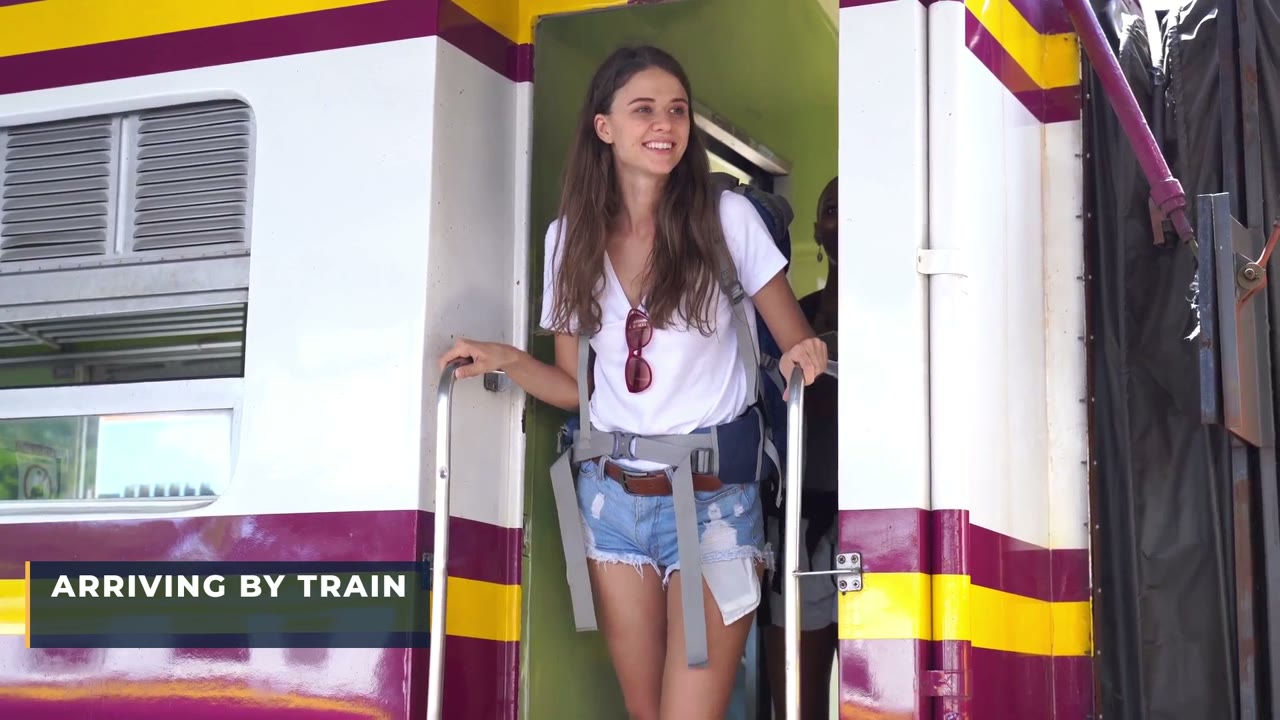 Making a travel video of a city trip in Novacut
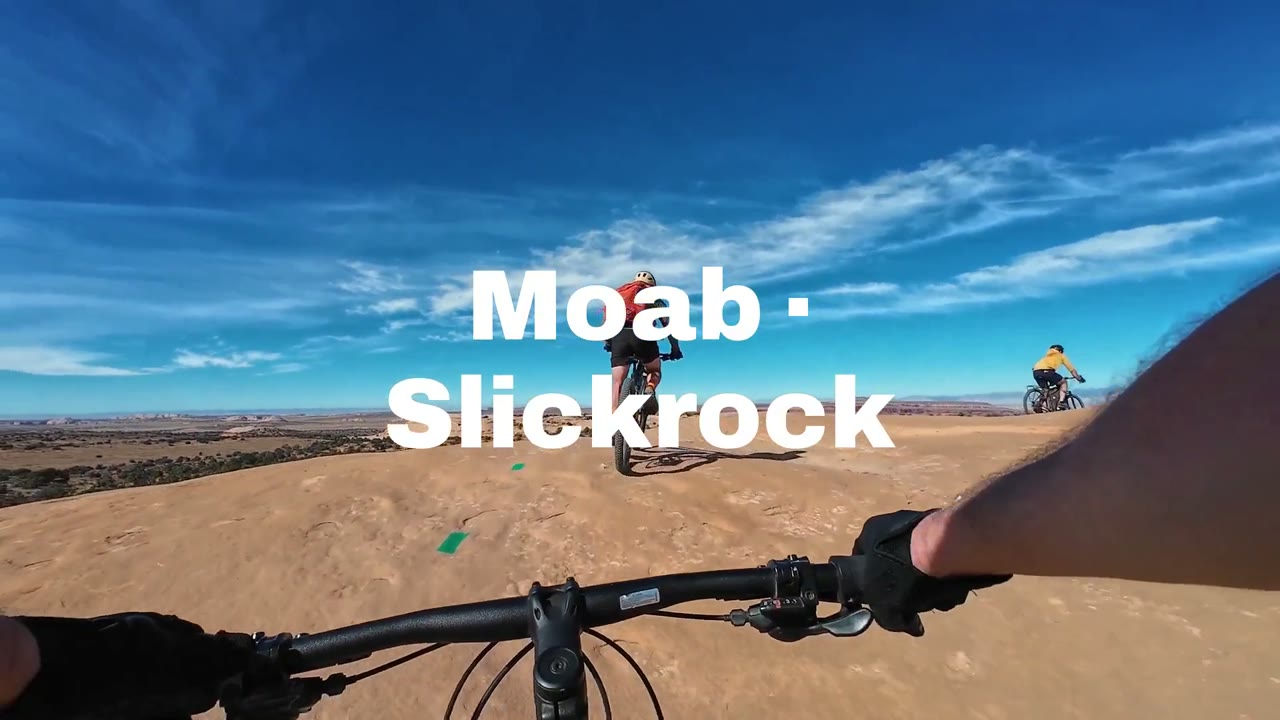 Making a mountain bike GoPro highlight video in Novacut