
Real estate video guides: listing videos, Reels and ads
A listing video is a walkthrough, cut in the order a buyer would walk the house, with the facts on screen and music under it. These guides cover shooting with an iPhone, room order, MLS length and branding rules, Reels and just-listed teasers, video ads that win listings, land listings, and the software and services agents use.
Guides
- Real estate video editing: from walkthrough clips to listingReal estate video editing step by step: room order, facts from the MLS description, typography, beat-synced music, branding, MLS rules, and a vertical Reel.
- How to make a real estate video with an iPhoneHow to make a real estate video: a 15-minute iPhone shot list, settings, room order, putting MLS facts on screen, music, MLS rules, and export, with a real example.
- How to make a real estate Reel from your listing videoHow to make a real estate Reel: 15–30 seconds, open on the best room, reframe every shot for 9:16, price early, text clear of Instagram's buttons, and music rules.
- Listing videos and the MLS: length, rules and versionsHow to make listing videos for the MLS: unbranded virtual tour rules, what's usually prohibited, length, room order, on-screen facts, and branded versions.
- Property tour video template: second-by-second planA property tour video template: a 40-second plan with timings, shots and on-screen text, a copy-paste prompt, variations for condos and luxury, and MLS tips.
- Music for real estate videos: style, volume and licensingChoosing real estate video music: styles and tempos by home type, volume under narration, licensing for MLS and social media, and cutting on the beat.
- Real estate video ads that win listings: ideas, rules, examplesReal estate video ads for agents: 6 ad ideas that win sellers, Meta's housing ad rules, what to film, and a real 30-second listing-presentation ad.
- Best real estate video editing software in 2026Real estate video editing software compared: Premiere Pro, Final Cut, DaVinci Resolve, CapCut, iMovie and Novacut for listing videos, Reels and MLS versions.
- Edit listing videos in your browser, no app to learnA real estate video editing app alternative: edit listing videos in the browser on any laptop, with facts from the MLS description, Reels and MLS versions.
- Real estate video editing services vs doing it yourselfWhat real estate video editing services cost (about $30–150 per video edited), turnaround, what's included, how to choose one, and when doing it yourself is faster.
- Real estate walkthrough video: shot list and room orderHow to film and edit a real estate walkthrough video: a room-by-room shot list, camera movement, room order, length, and putting MLS facts on screen.
- Realtor video ideas from one listing shootRealtor video ideas you can make from one shoot: listing video, price-improved update, open house, Reel, just-listed teaser, sold, neighborhood and unbranded MLS.
- How to edit real estate video: 7 decisions that matterHow to edit real estate video: room order, clip length, on-screen facts, typography, color, beat-synced music, branding and versions, with a real listing example.
- How to sell land by owner, with a listing video that worksHow to sell land by owner: price, paperwork and listing sites, plus how to make a drone video with the facts on screen. A real 60-second land listing video.
- Listing video from a link: paste the listing, get the tourTurn a property listing page into a narrated listing video with price, details and open house: a real 45-second vertical example, then a 60-second YouTube version.
Demo videos
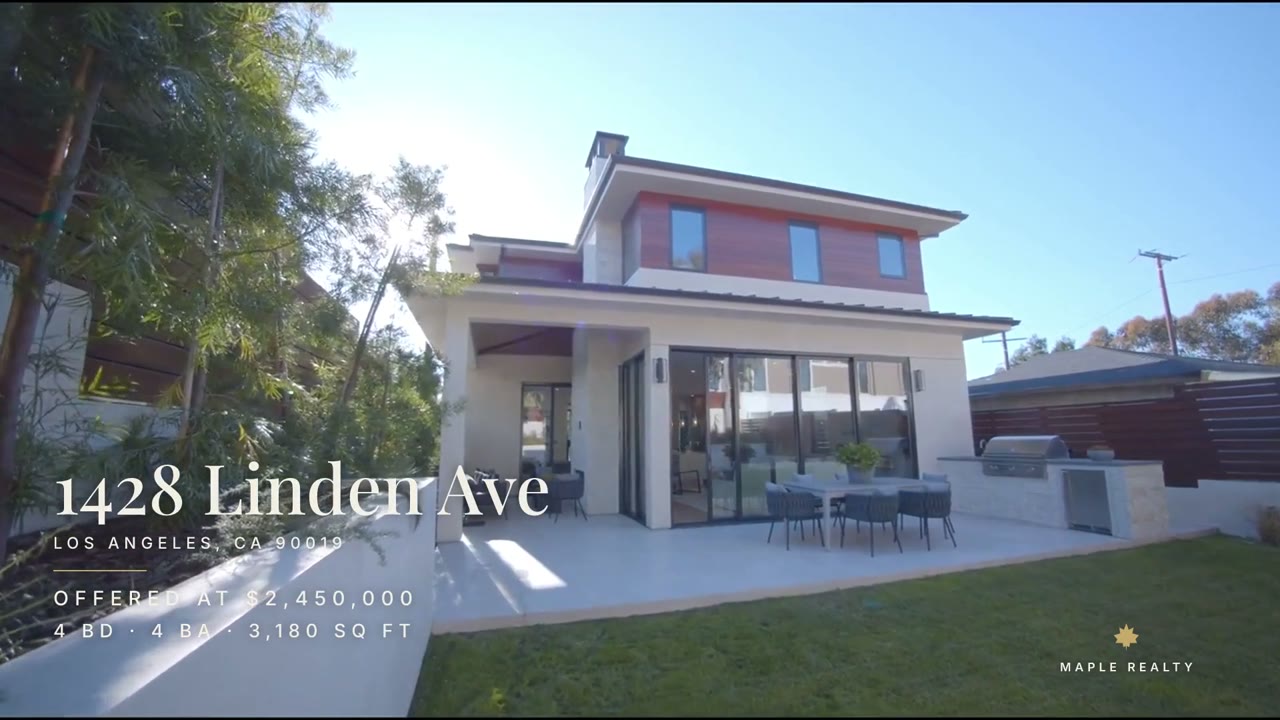 Making a listing video from the MLS description in Novacut
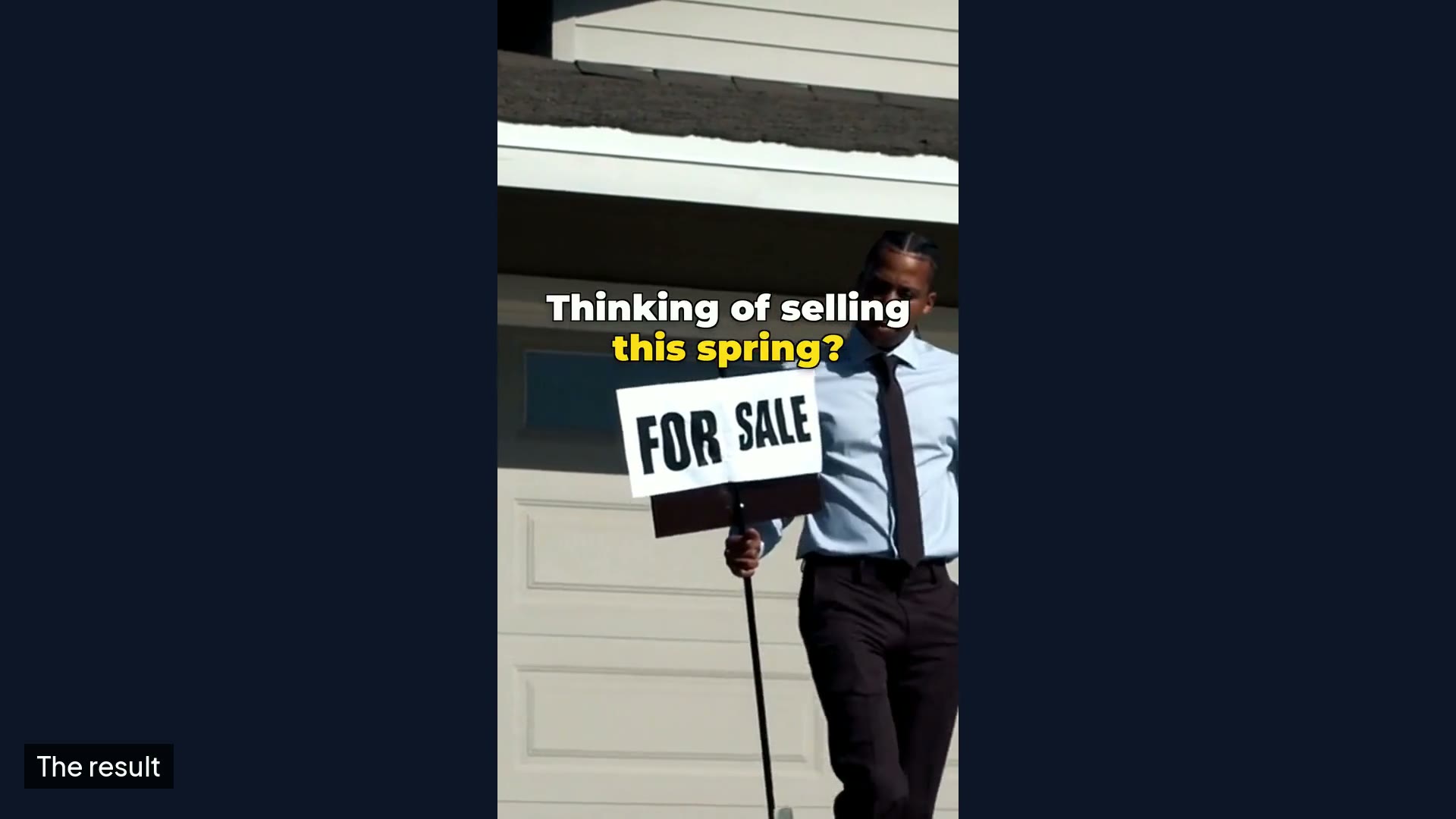 Making a real estate agent video ad in Novacut
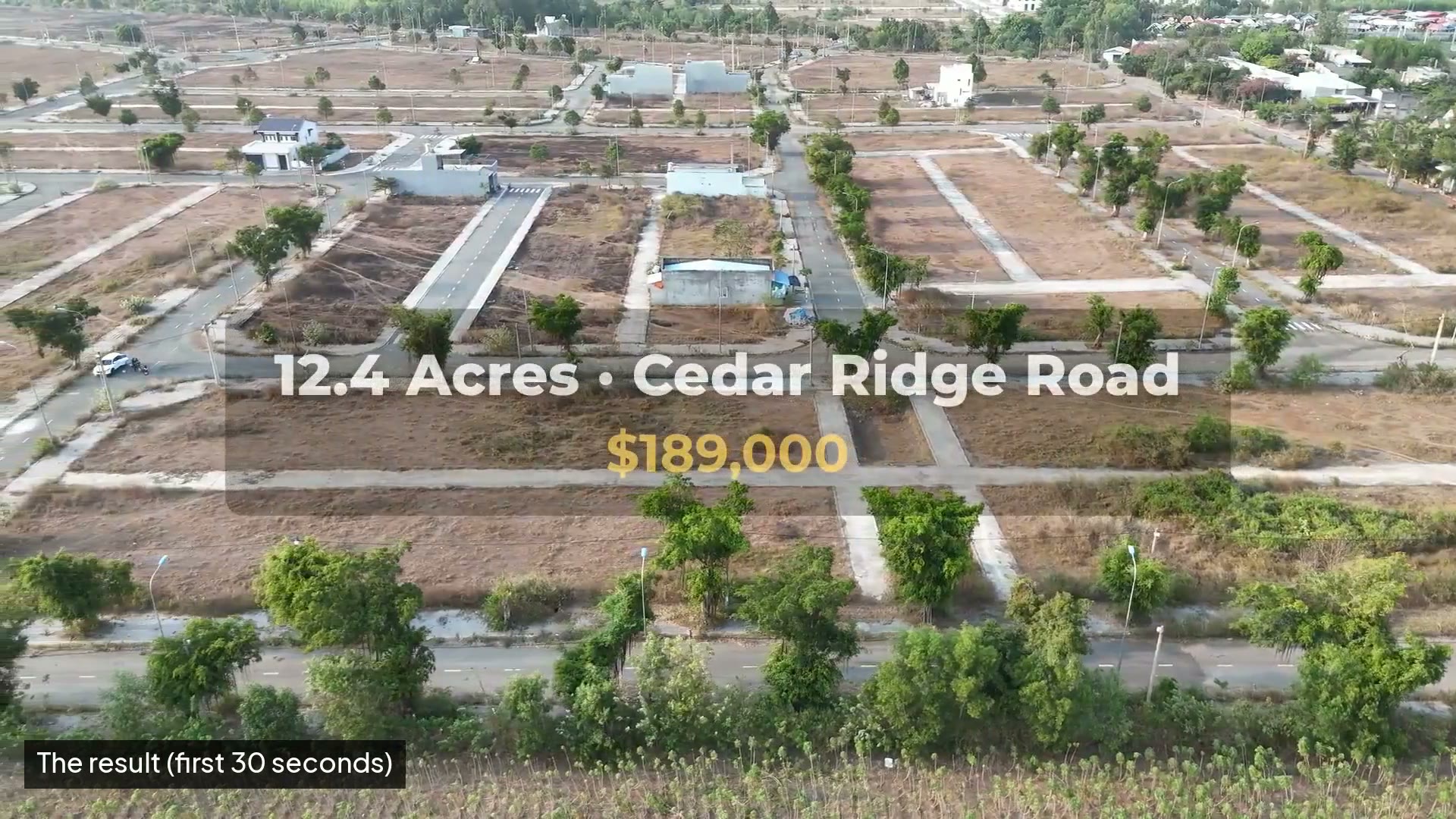 Making a land listing video from drone footage in Novacut
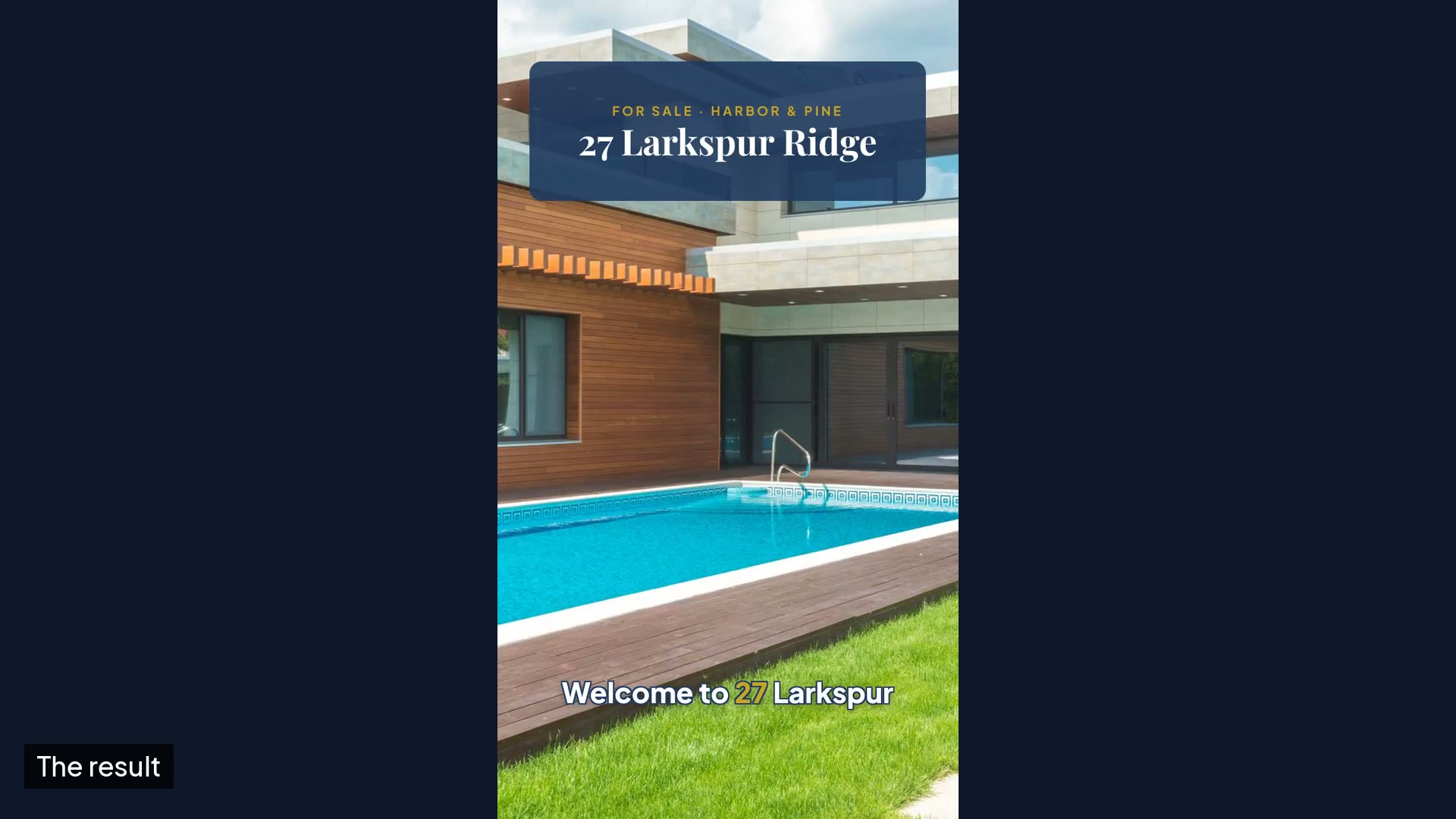 Making a listing video from a listing link in Novacut